What does lumbar support do on an ergonomic office chair?
Good support for the lower lumbar area of your back is one of the most essential features of an ergonomic office chair. The lumbar support applies enough pressure to your lower back to keep your lumbar section in a neutral position. This takes weight off both the spine and the muscles that support the spine.
Back pain is one of the leading causes of lost working days in the workplace due to physical health issues. With an increase in desk work and time on screens in the workplace, ergonomic design in the workplace is becoming a key occupational health focus.
The science of lumbar support
How does good Lumbar support benefit our body?
Of the 5 sections of vertebrae in your spine, the Lumbar section or lower back is the second largest with 5 large vertebrae. The lower back supports your weight, protects the spinal cord and is critical to movement and flexibility in your body. Movement in the lumbar vertebrae is central to walking, running, lifting and balancing.
The lumbar lordosis section naturally curves inward creating what is known as the lordotic curve. This healthy curvature has a important role in spreading your bodyweight evenly across the spine and for maintaining healthy posture.
Lower back pain due to poor posture affects almost everyone at some point. This discomfort can be due to serious health issues or injuries, but more often than not, its the result of poor posture.
How lumbar support on an ergonomic chair works
The objective of a good lumbar support system is assist in maintaining the healthy S shape of the lordotic curve. This allows the spine to rest in a neutral position, reducing stress on the Lumbar section and promoting a healthy posture.
Even before working from home became common, we all had the odd day working from home sat at the dining table or on the couch in the living room. Did you ever find that you experienced discomfort compared to your office chair at work.
Without back support you slouch or sit too upright, straining your muscles to support your back. This often leads to discomfort and can lead to chronic back pain over a long period.
The correct lumbar support provides this support to your back and mitigates the load on your muscles and spine.
An office chair without good lumbar support will result in a curved spine that is not supported in its natural S shape.
An ergonomic office chair with good lumbar support will support the S shape allowing the lodotic curve to assume its natural S shape.
Lumbar support on an Ergohuman office chair
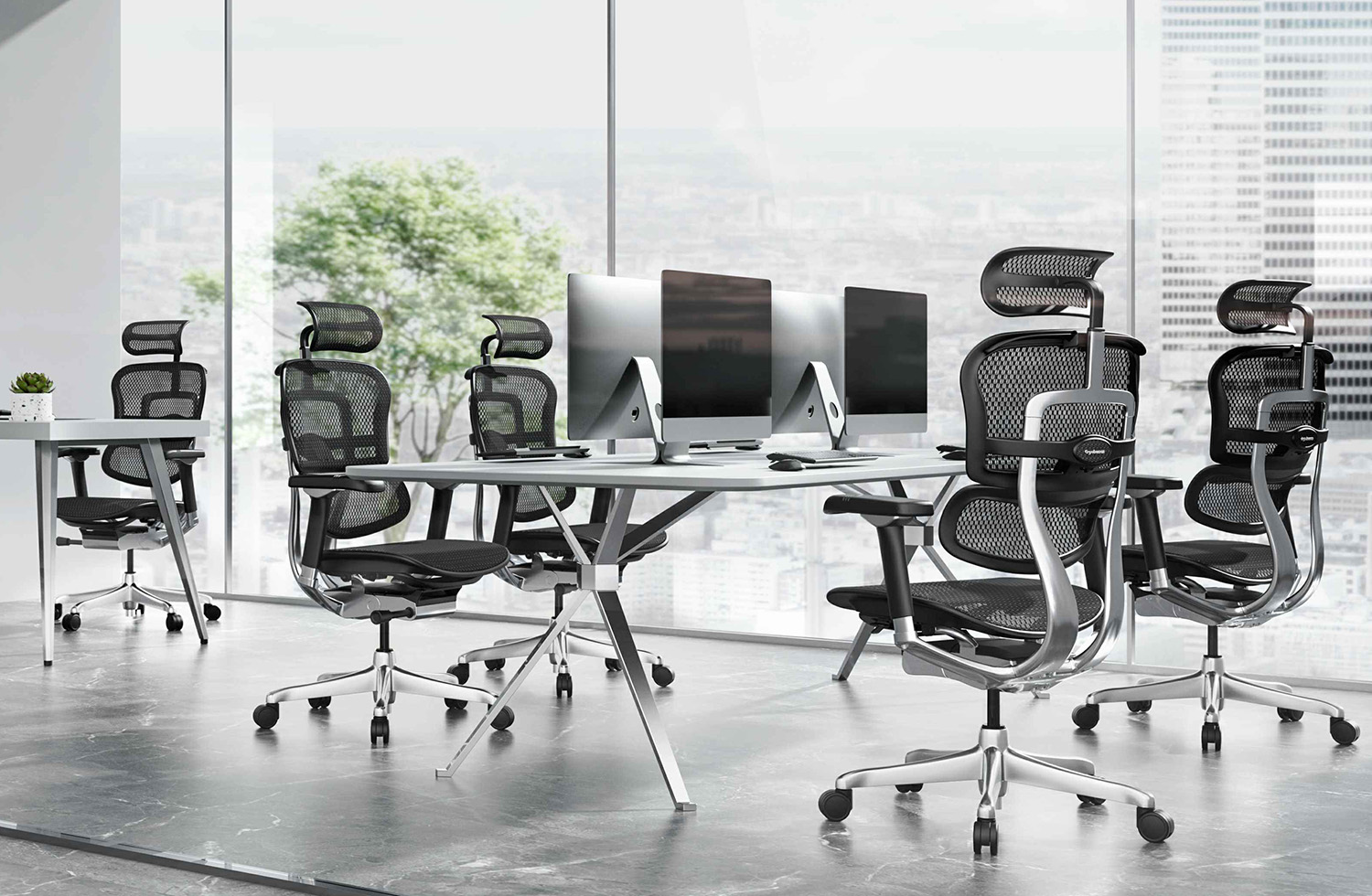
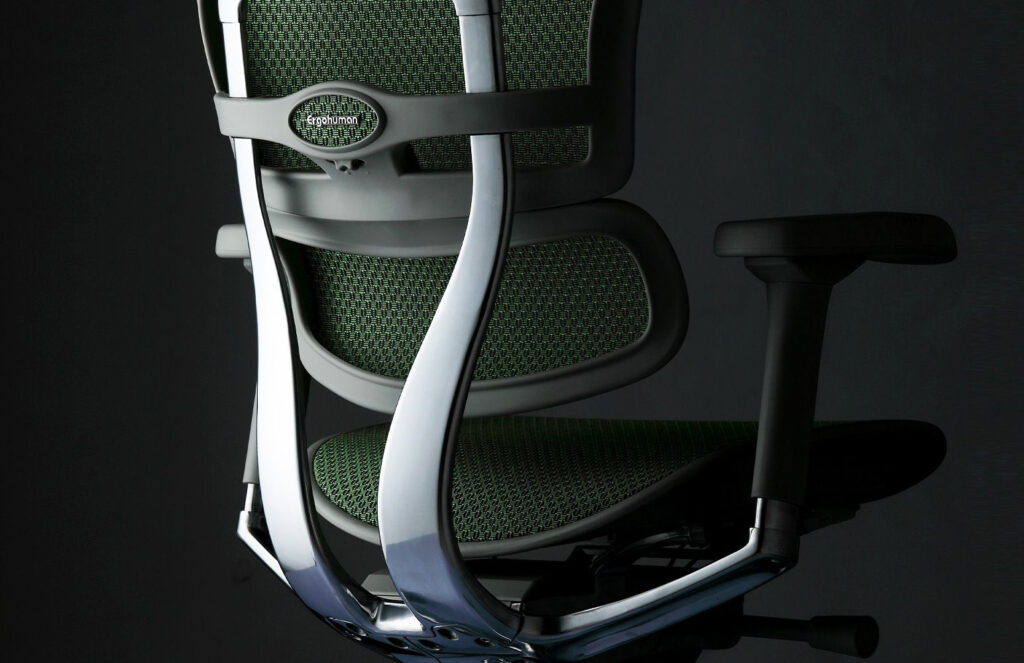
One of the early innovations by Ergohuman was to separate the back rest into two sections, one for the lower Lumbar section and one for the upper Thoracic section of the spine. The original Ergohuman Classic quickly developed a reputation for exceptional lower lumbar support resulting in improved comfort and well being of users.
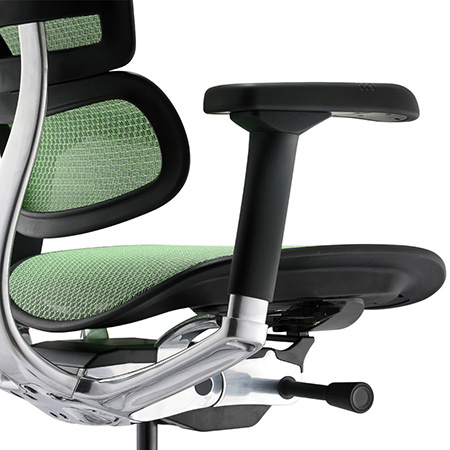
The Ergohuman lumbar support features an automatic lumbar section that flexes with you as you move in the chair, to maintain contact and support. Combined with adjustable backrest height, seat depth and tension control on the Lumbar section the individual user can customise the support to their height, weight and individual preferences.
Using a chair with excellent lumbar support can initially feel too much. A regular piece of feedback is that the lumbar support is too extreme. Just like a new pair of shoes, it can take some time to get used to better back support. We find that after a 1-2 weeks of using the chair, almost all users adjust and report that they are now more comfortable sitting for long hours than in their previous chair.
The lumbar support system is adjustable for height and tension (resistance) and can be customised to an individual’s preferences. For individuals with specific needs or who move more or less frequently, they should be able to find a setting that maximises their comfort.
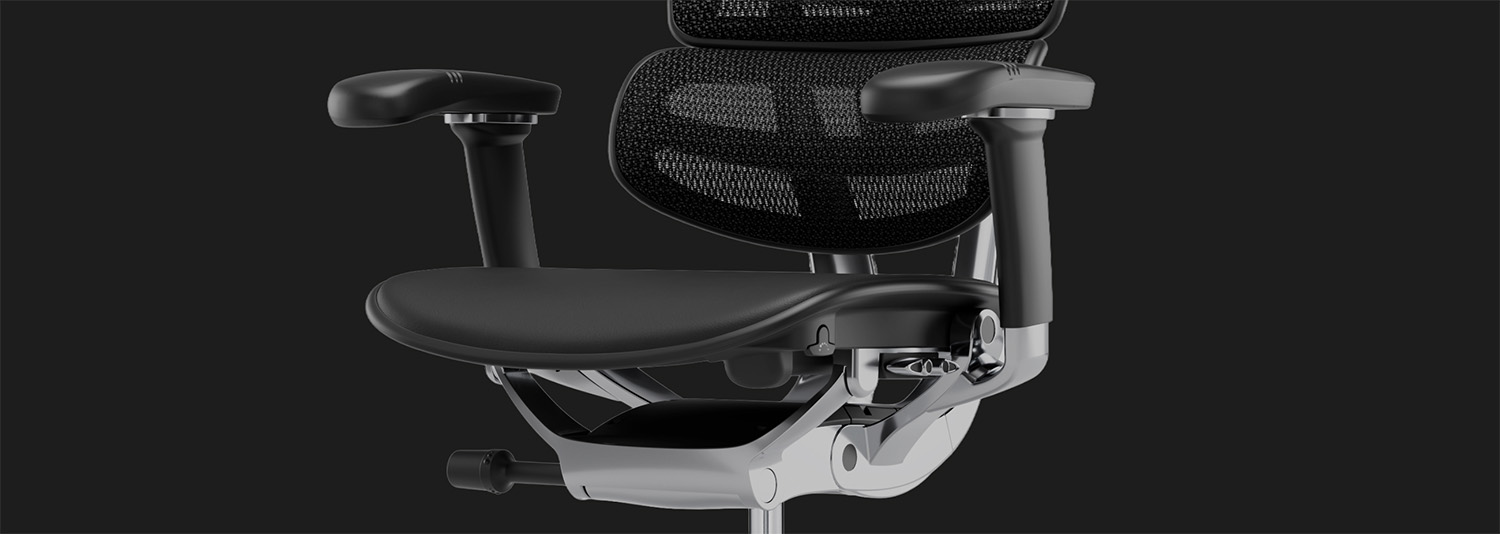
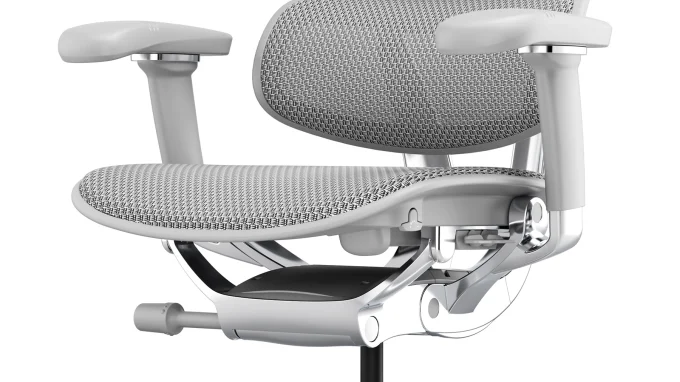
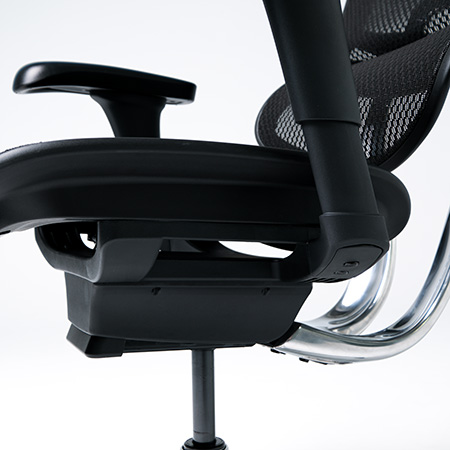
With the synchro tilt feature standard in all Ergohuman chairs, the armrests move with the back rest maintaining the arm support at the same angle as the lumbar and back support. This ensures that your spine and muscles are fully supported in all backrest recline positions.
The headrest adds another layer of support to take the weight of your head off your neck muscles. Being able to recline and support your head is important in resting and varying your position while working.
Finally the legrest option adds another level of support to rest your legs and take pressure off your lower back.
What are the benefits of an office chair with lumbar support?
An effective lumbar support system can alleviate back pain by removing pressure on the spinal discs in the lower back. By improving spinal alignment, it reduces stress on the spine and increases comfort levels. An effective lumbar support is an essential feature of a good quality ergonomic office chair.
What is the best way to sit in an office chair?
Adjusting your chair to customise it to your needs is as important as buying a good quality chair. There a few important things to know about using an ergonomic office chair to optimise the adjustments for an individuals requirements.
- Adjust the height correctly. Sit in the chair with your feet flat on the floor and your back supported by the back rest. Adjust the height so that your knees at at a 90 degree angle. This ensures there is no pressure on the arteries behind your knees, which can restrict blood flow to your lower legs.
- Seat depth. Adjust the seat forward or back until you can get 3 fingers or 3cm between the front of the seat cushion and the back of your knees.
- Set the backrest height. Adjust the back rest height so that the lumbar support sits comfortably in the curve of your lower back.
- Turn the lumbar tension dial on the back of the chair to adjust the resistance or pressure on your back. The lumbar support is designed to flex to maintain pressure as you move. Adjusting the tension determines how much pressure it takes to move.
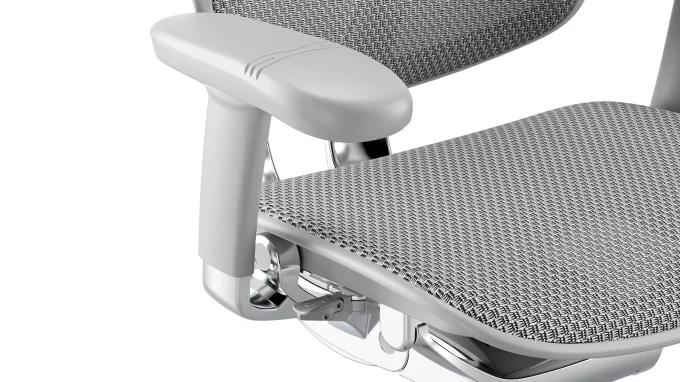
- Set the armrests at the desired height, width, depth and angle. These can be adjusted whenever required depending upon the task at hand, whether you are typing, reading, on a conference call or using a mobile device.
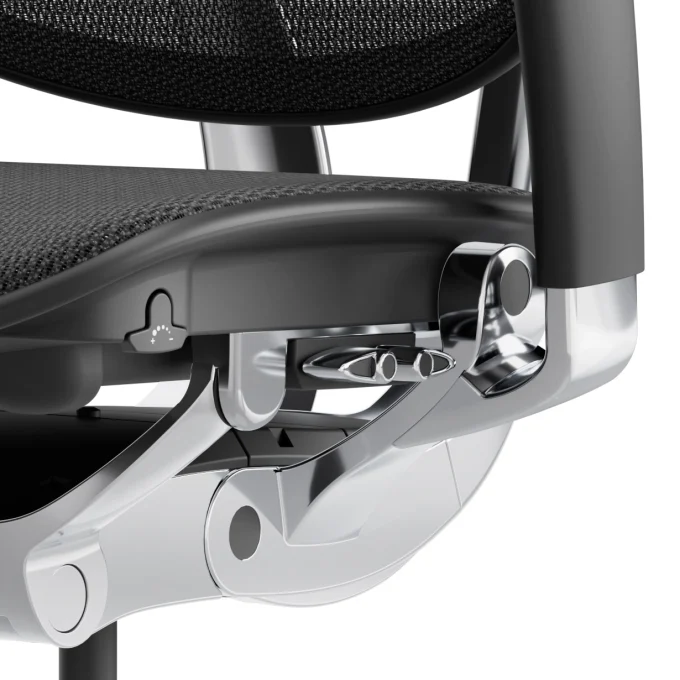
- Decide whether to use the recline function in free float mode or locked in a favorite position. In free float mode, adjust the tension handle at the front right hand of the seat to decrease or increase the resistance on the back rest.
- Decide whether to activate the forward tilt feature in free float mode. This is popular for users who sit forward on a regular basis such as medical staff interacting with patients.
- Adjust the headrest if fitted to the desired height and angle. The headrest height is independent of the backrest height so that you can find the preferred combination of back and head support.
Give priority to your back health
While we don’t think twice about investing in the latest electronic technology for our office, many people overlook the ergonomics of their work space and their physical well being when working for long hours. A good quality ergonomic office chair can reduce pain and discomfort and promote a healthy posture, enhancing well-being. Investing in a quality ergonomic office chair is not only a smart choice for your productivity and health, a quality chair will last for many years and saves you money over the longer term.
Explore the range of Ergohuman ergonomic office chairs with choices of fabrics and colours to personalise your office space,