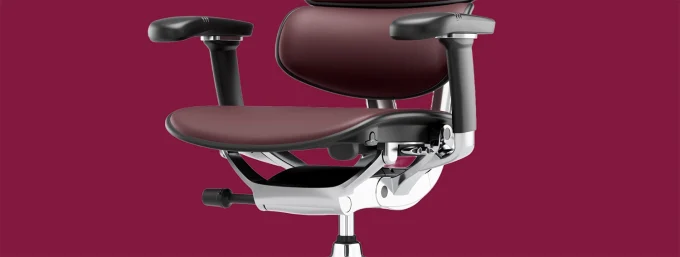
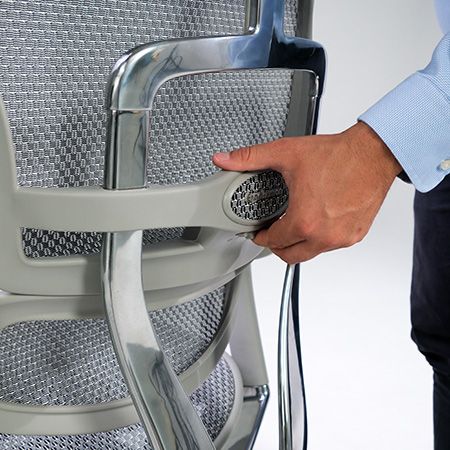
If your workday regularly stretches past eight hours, your chair is not a minor detail it’s part of your toolkit. Choosing the right ergonomic chair for long sitting affects your posture, your energy levels, and how your back, neck, and hips feel at the end of the day. A chair that’s fine for two or three hours of use can quickly become uncomfortable, or even harmful, once you’re sitting in it for a full 8–10 hour shift.
This guide breaks down exactly what to look for in an ergonomic office chair for full-time computer work, how to match a chair to your working style, and which adjustments actually matter versus which ones are just marketing noise.
Why Long Hours of Sitting Demands a Different Kind of Chair
A chair designed for occasional use and a chair designed for full-time, long-hour sitting are not the same product, even if they look similar in a showroom. Short-duration seating can get away with basic padding and limited adjustability because your body isn’t in the seat long enough for small flaws to compound.
Once you’re sitting for 8, 9, or 10+ hours a day, every small ergonomic shortfall a seat pan that’s too deep, a backrest that doesn’t support your lower spine, armrests fixed at the wrong height gets magnified. Over weeks and months, this is what leads to lower back pain, shoulder tension, and reduced concentration by the afternoon.
This is exactly why searches like best chairs for long term sitting and best ergonomic chair for work from home have become so common. People aren’t just looking for “a chair” they’re looking for a seat that can support a full working day without becoming a liability.
The Real Cost of Sitting in the Wrong Chair for 8+ Hours
Before getting into features, it’s worth understanding what’s actually at stake. Sitting itself isn’t inherently bad sitting incorrectly for extended periods is the problem. Common issues reported by people using non-ergonomic chairs for full-time desk work include:
Lower back pain from unsupported lumbar curves
Neck and shoulder stiffness from poor screen height and armrest positioning
Numbness or pressure points from thin, non-breathable seat padding
Fatigue and reduced focus from restricted circulation
Long-term postural issues from a fixed, non-adjustable frame
None of these are “just part of office work.” They’re signs the chair isn’t doing its job. A genuinely ergonomic office chair for long hours is designed specifically to prevent these outcomes, not just to look good in a photo.
Key Ergonomic Features That Actually Matter for Long Sitting
Not every adjustment marketed as “ergonomic” makes a real difference. Here are the features that actually matter when you’re sitting for 8–10+ hours a day.
Adjustable Lumbar Support
Your lower back needs consistent support to maintain its natural inward curve. Look for lumbar support that adjusts in height and depth, not a fixed pad. A chair that lets you fine-tune lumbar support to your own spine is far more effective than a one-size-fits-all curve.
Seat Depth and Waterfall Edge
If the seat is too deep, the front edge presses into the back of your knees, restricting circulation over a long day. A properly designed seat pan has a waterfall (curved) front edge and, ideally, adjustable seat depth so the chair fits your leg length rather than an average.
Synchro-Tilt Recline Mechanism
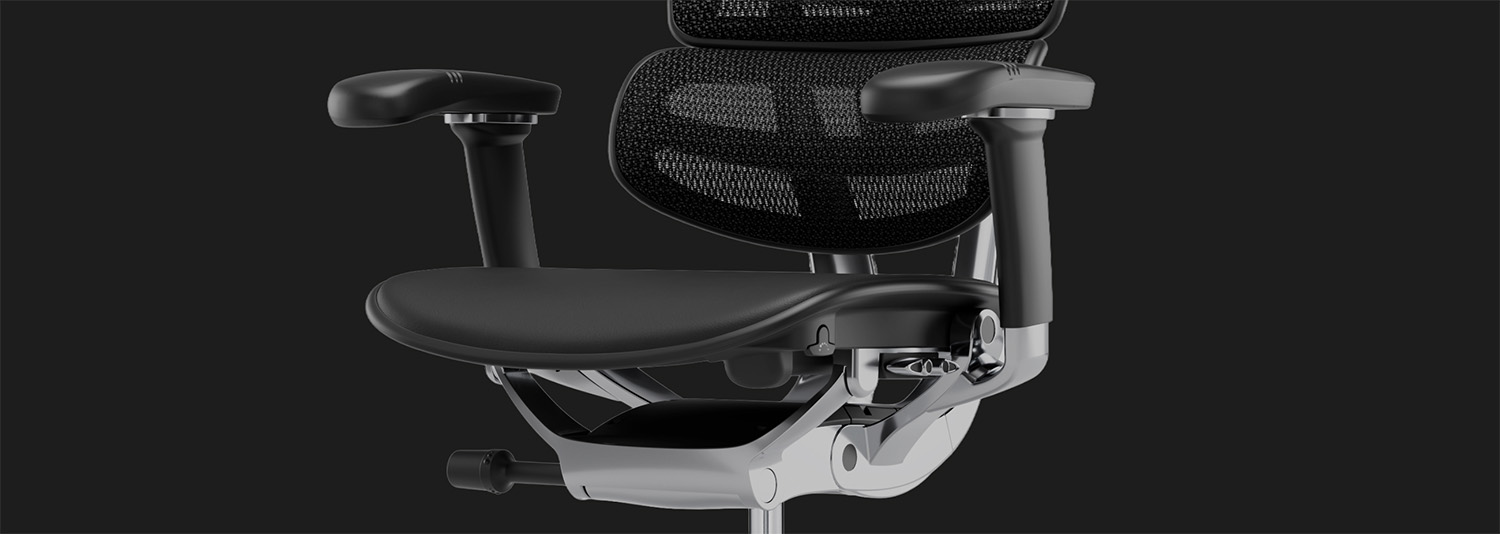
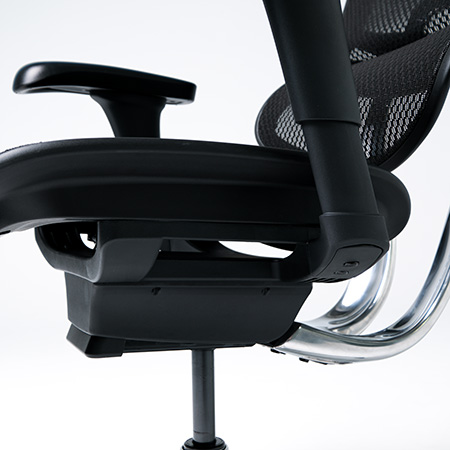
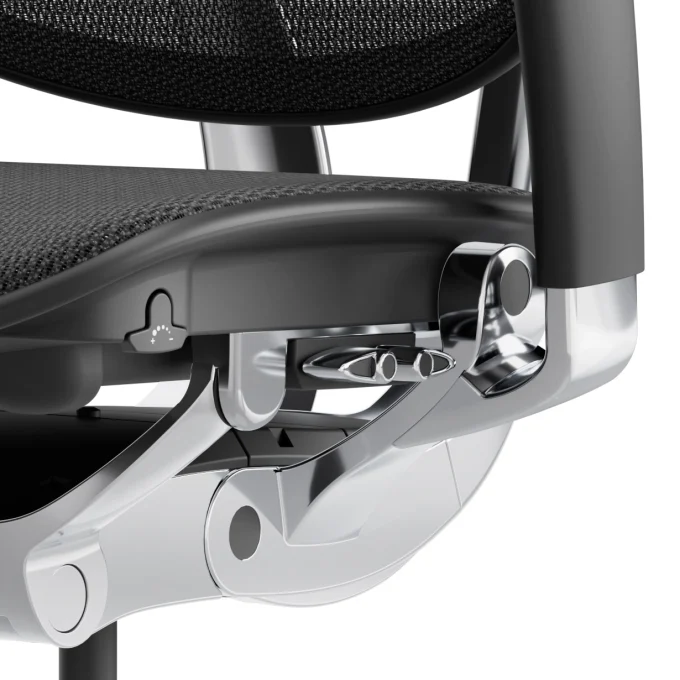
A synchro-tilt mechanism moves the backrest and seat together at a calibrated ratio when you recline, keeping your feet grounded and your posture supported rather than sliding forward. For long working days, the ability to lock the recline at multiple angles and shift position throughout the day reduces static pressure on your spine.
Breathable Mesh vs Foam Padding
For 8–10+ hour days, airflow matters. Breathable mesh backrests reduce heat buildup and pressure compared to solid foam, which can trap heat and compress over time. This is one of the biggest differences between a chair built for short bursts of use and one built for a full working day.
Adjustable Armrests
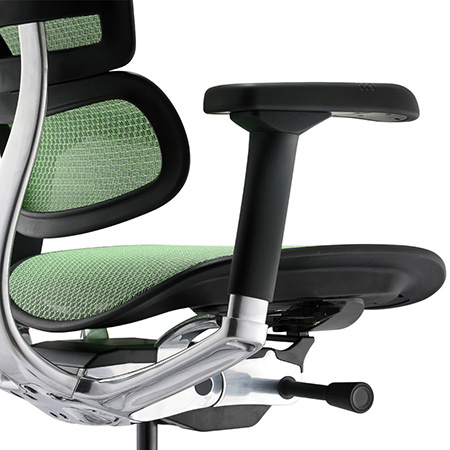
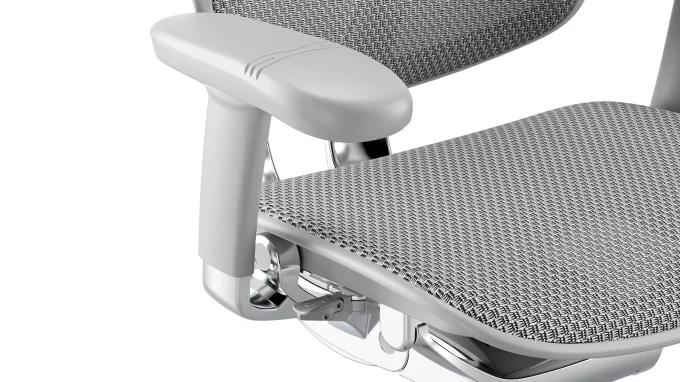
Fixed armrests force your shoulders and wrists into whatever position the chair dictates. Multi-directional armrests adjustable in height, width, depth, and angle let you align your arms with your desk and keyboard, reducing shoulder and wrist strain during long typing sessions.
Headrest for Long Recline Sessions
If you take reclined breaks between focused work, an adjustable headrest supports your neck rather than leaving it unsupported when you lean back. This is particularly relevant for anyone doing calls, reading, or thinking time away from the keyboard during a long shift.
Weight Capacity and Build Quality
A chair used 8–10 hours a day, five days a week, goes through significantly more wear than an occasional-use chair. Gas lifts, casters, and frame materials rated for continuous daily use matter more here than they would for lighter usage patterns.
How to Match a Chair to Your Working Style
Not everyone who sits for long hours has the same needs. Matching the chair to how you actually work makes a bigger difference than chasing the “best” chair in general.
Full-Time Computer / Desk Work
If most of your day is spent typing, on calls, or working across multiple monitors, priorities adjustable armrests, seat depth, and lumbar support above all else these directly affect the parts of your body under the most repetitive strain. This is the profile that best matches searches for an ergonomic office chair for full-time computer work.
Work From Home Setups
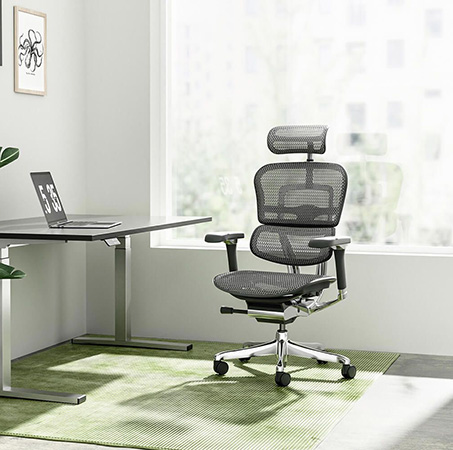
Home offices often mean less desk-and-chair variety than a corporate office, so your one chair needs to do more. A chair with a wide adjustment range seat height, depth, lumbar, tilt tension gives you the flexibility to fit different desk heights and working postures throughout the day. This is where most best ergonomic chair for work from home searches are coming from, and it’s a fair concern: your home chair usually has to work for everything, from spreadsheets to video calls to focused deep work.
Shared or Multi-User Offices
If a chair will be used by more than one person, adjustability becomes even more important, since it needs to reset comfortably for different body types and heights. Look for chairs with clearly labelled, easy-to-reach adjustment levers rather than ones requiring tools or guesswork.
Why the Ergohuman 2 Elite Mark II Is Built for 8–10+ Hour Days
For people specifically searching for a comfortable office chair NZ buyers can rely on for genuinely long working days, the Ergohuman 2 Elite Mark II is built around exactly the features covered above: adjustable lumbar support, a synchro-tilt mechanism, breathable mesh, and multi-directional armrests, all rated for continuous daily use rather than occasional sitting.
Instead of treating ergonomics as a single fixed setting, the range is designed to be adjusted to your own body and working style which matters more the longer your day gets. If you’re comparing options for a home office chair NZ setup or replacing a chair that isn’t holding up to full-time use, the Ergohuman 2 Elite Mark II range is a useful starting point to see the full adjustment options side by side.
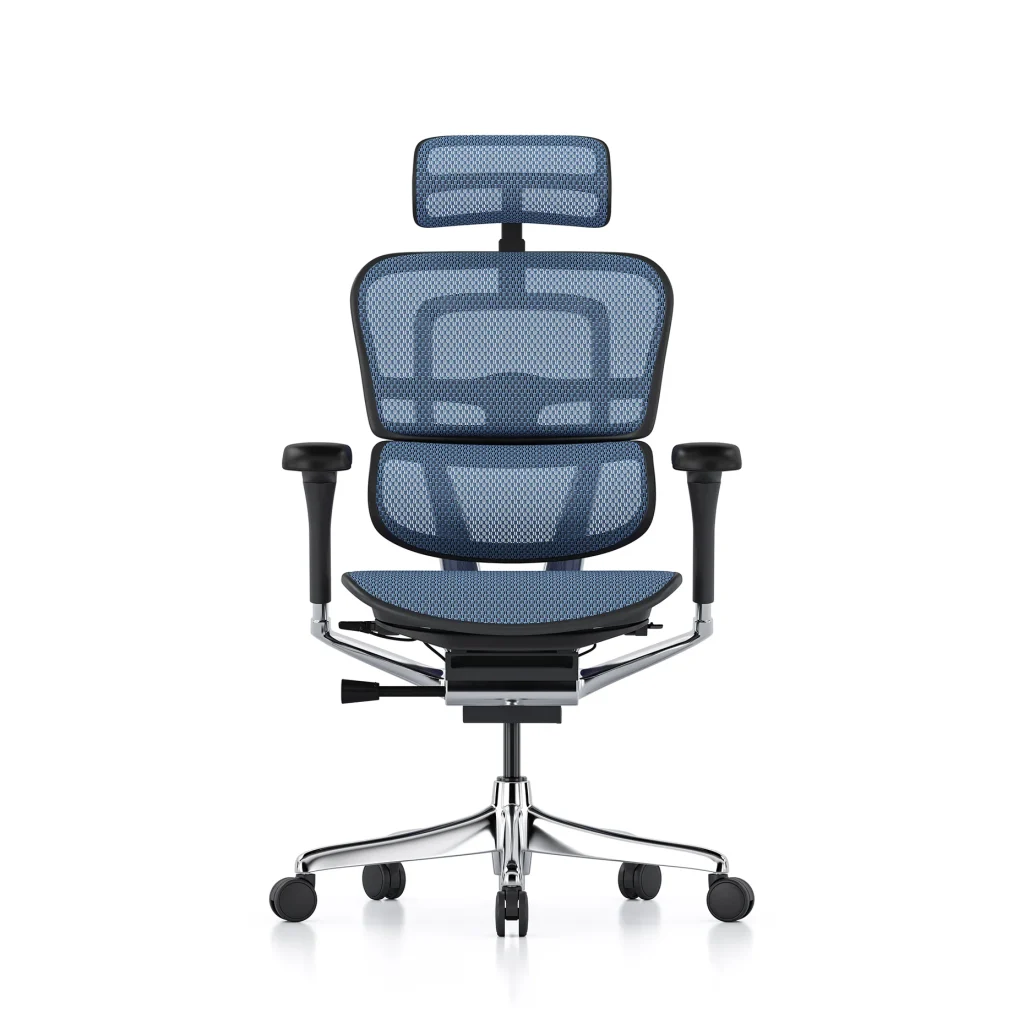
Ergohuman 2 Elite Mesh II Choosing Between Blue and Grey
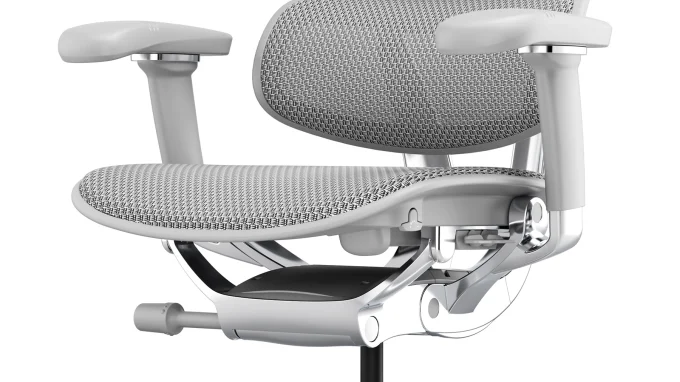
Within the range, the Ergohuman 2 Elite Mesh II is available in two finishes, and the decision between them usually comes down to your workspace rather than the ergonomics, since both share the same adjustable frame, lumbar support, and breathable mesh construction.
The Ergohuman 2 Elite Mesh II Blue suits home offices and workspaces where a bit more personality and contrast is welcome, while the Ergohuman 2 Elite Mesh II Grey fits more neutral, corporate, or shared-office environments where a subtler tone works better across multiple desks.
Either way, the underlying ergonomic support built for 8–10+ hour days stays the same the choice is really about which finish fits your space.
Common Mistakes When Buying a Long-Sitting Office Chair
Even with good intentions, a few recurring mistakes lead people to buy the wrong chair for long-hour use:
Judging comfort in a five-minute showroom test. Real discomfort from poor ergonomics usually shows up after hours, not minutes.
Focusing only on padding thickness. Thicker foam isn’t the same as better support it can actually trap more heat and compress faster.
Ignoring seat depth and armrest adjustability. These are the two features most often overlooked, yet they matter enormously for anyone at a keyboard all day.
Buying based on looks alone. A chair can look premium and still lack the adjustment range needed for full-time, multi-hour use.
Skipping the recline mechanism. A chair that only sits upright forces static posture all day, which is exactly what leads to fatigue during long shifts.
How to Test an Ergonomic Chair Before You Buy
If possible, sit in the chair for at least 15–20 minutes rather than a quick test. Check that:
Your feet sit flat on the floor with knees roughly level with your hips.
The lumbar support sits naturally in the curve of your lower back.
Armrests can be adjusted so your shoulders stay relaxed, not hunched.
The seat front doesn’t press into the back of your knees.
The recline mechanism moves smoothly and locks at a position you’d actually use during a workday.
If you’re unsure which model or configuration suits your setup, it’s worth reaching out directly rather than guessing you can contact the Ergohuman team for guidance based on your working hours, desk setup, and body type before making a decision.
Final Thoughts
Choosing an ergonomic chair for long sitting isn’t about finding the most feature-packed chair on the market it’s about finding one that genuinely supports your body through a full 8–10+ hour workday, adjusts to how you actually work, and holds up to daily use over time. Priorities lumbar support, seat depth, breathable materials, and a proper recline mechanism over cosmetic extras, and match the chair to your specific working style, whether that’s full-time desk work, a home office, or a shared workspace.
For a closer look at the full range built around these principles, visit Ergohuman.




 ErgoHuman Staff2 September 20266 Mins read
 ErgoHuman Staff2 September 20266 Mins read