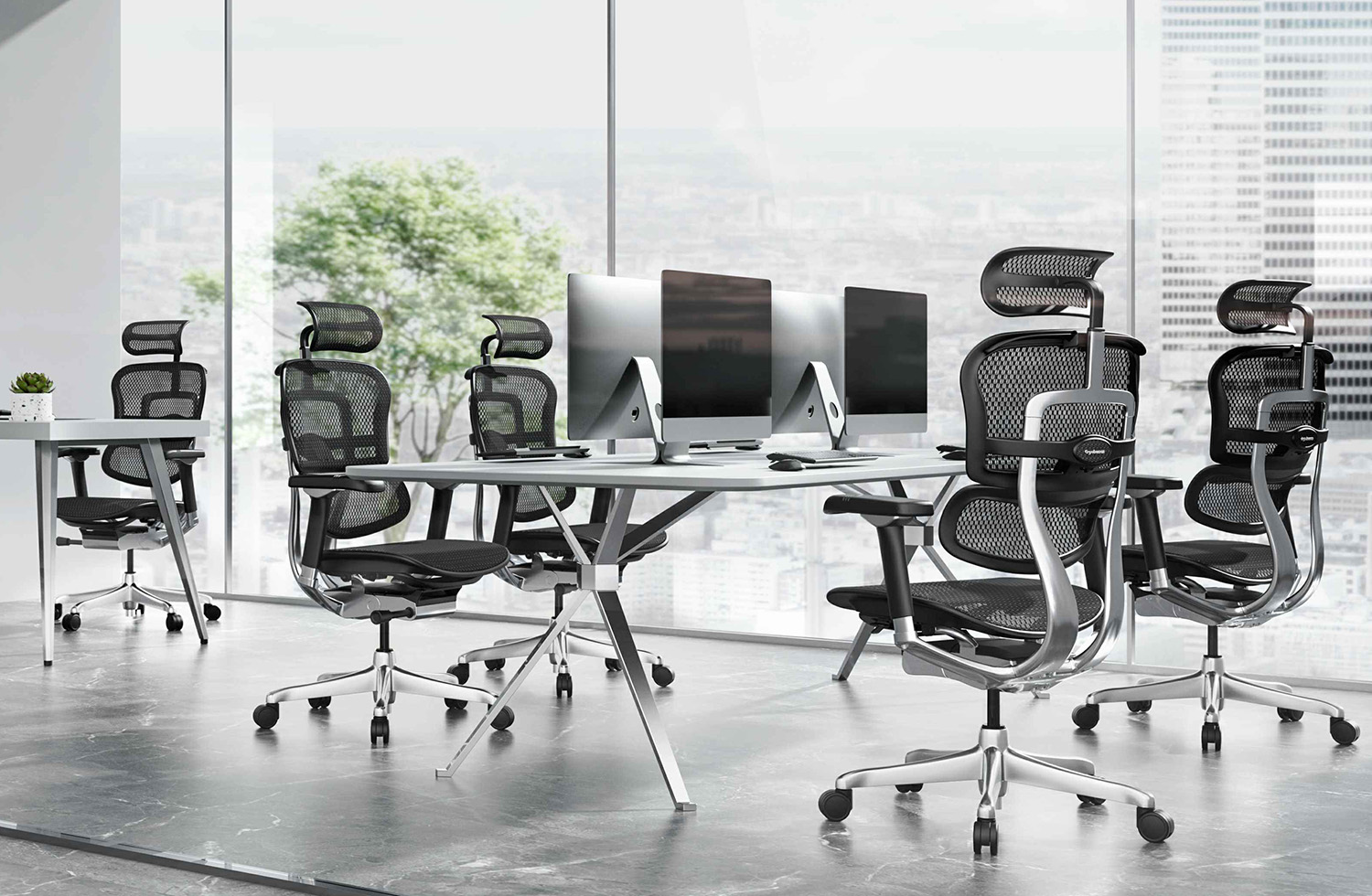
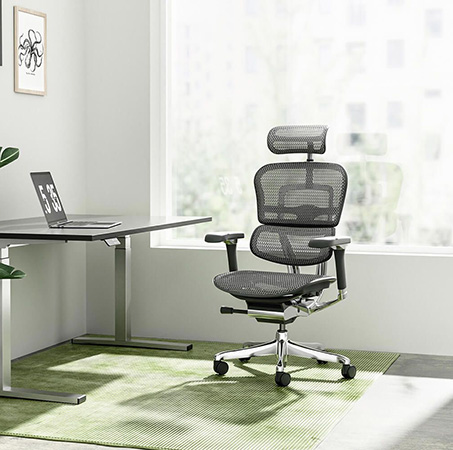
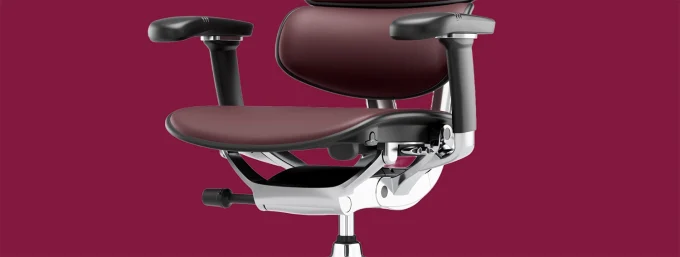
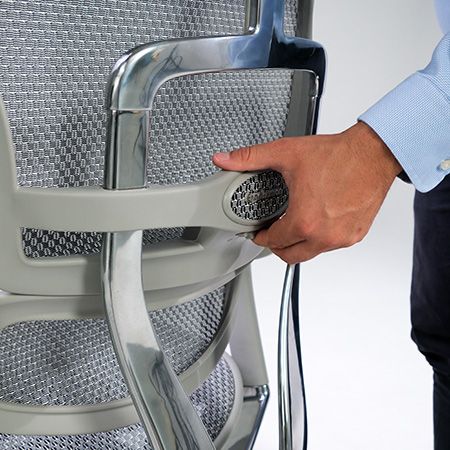
Most people searching for a posture chair NZ retailers’ stock are really asking one question: why does my back still hurt in an “ergonomic” chair? The answer is usually that posture isn’t controlled by a single feature. It’s a system — seat height, seat depth, pelvic position, backrest angle, armrest height, and even monitor position all work together. Get one piece wrong and the rest of the chair can’t compensate for it.
This guide walks through the full posture system, not just lumbar support, so you understand exactly what to adjust and what to look for in an ergonomic posture chair built for long working days.
Why “Posture Chair” Is About the Whole System, Not One Feature
A genuine posture office chair supports your spine’s natural curve while letting your hips, knees, and feet sit in a neutral, low-strain position. That requires several adjustments working together correctly, not just a well-padded backrest. Below, we go through each part of the system in the order it actually affects your body, starting from the ground up.
1. Seat Height: The Foundation of Good Posture
Everything else depends on getting seat height right first. Your feet should sit flat on the floor (or on a footrest), with your knees at roughly a 90-degree angle and your thighs roughly horizontal.
If your seat is too high, your feet dangle and pressure builds under your thighs. If it’s too low, your knees sit above your hips and your pelvis tilts backward, flattening your lower back’s natural curve. Look for a wide seat height range so the chair can be set correctly regardless of your height or desk setup.
2. Seat Depth and Pelvic Position
Seat depth directly affects your pelvic position, which in turn determines whether your spine’s natural curve is supported or flattened. When the seat is the correct depth, your pelvis sits in a slightly forward-tilted, neutral position, and there’s a two-to-three finger gap between the front edge of the seat and the back of your knees.
A seat that’s too deep pushes you to either slouch forward off the backrest or round your lower back to reach it. Look for a chair with seat slide adjustment, so the seat pan can move independently of the backrest to suit your leg length.
3. Lumbar Support: One Piece of the Puzzle
Lumbar support matters, but it only works properly once seat height and depth are correct otherwise your pelvis is already out of position before the lumbar pad even makes contact. Look for lumbar support that adjusts in both height and pressure, so it sits precisely at the inward curve of your lower spine rather than pushing against the wrong part of your back. If you want a full breakdown of how lumbar mechanisms work, that’s a topic worth exploring separately here, the focus is on how it fits into the bigger posture picture.
4. Backrest Height and Angle
Your backrest needs to support the full length of your spine, from your lower back up through your shoulder blades. A backrest that’s too short leaves your upper back unsupported, encouraging you to hunch forward over your desk.
Look for:
Independent backrest height adjustment
A recline angle that can be set and locked at a comfortable working position
A headrest that adjusts separately, supporting your neck without pushing your head forward
5. Recline and Forward Tilt
Posture isn’t static your ideal position changes depending on whether you’re typing, reading, or in a video call. A quality office chair for posture should support a range of positions, not lock you into one.
Forward tilt helps for close, detail-focused desk work, tilting your pelvis slightly forward to maintain the spine’s natural curve.
Free-float recline with tension control lets you lean back and relax through the afternoon without losing support.
Lockable recline lets you fix the chair at whichever angle suits the task at hand.
Chairs without tension-adjustable recline tend to feel either too stiff to use comfortably or too loose to actually support you.
6. Armrest Height and Position
Poorly positioned armrests are one of the most overlooked contributors to bad posture. If your armrests sit too low, your shoulders round forward to reach the desk. Too high, and your shoulders hike up toward your ears.
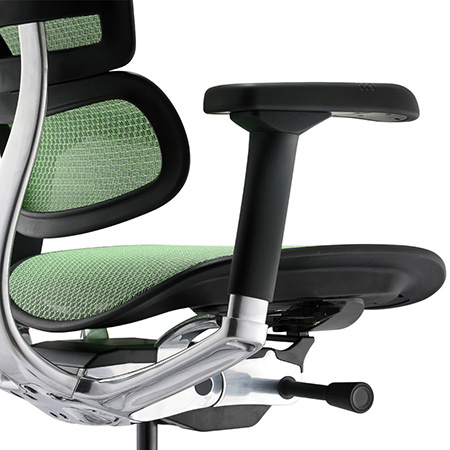
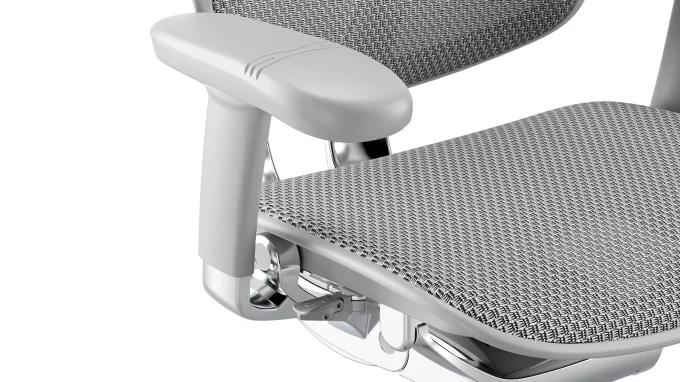
Look for multi-dimensional (4D or 5D) armrests that adjust for height, width, depth, and angle, so your elbows can rest at a natural 90-degree angle regardless of your desk height or typing position.
7. Foot Position
Feet flat on the floor is the ideal, but it isn’t always achievable, especially for shorter users on a desk built for an average height. If your seat height is correct for your desk but your feet don’t reach the floor comfortably, a footrest is a simple fix that prevents pressure building under your thighs and keeps your pelvis in a neutral position.
8. Monitor Position
Posture doesn’t stop at the chair. If your monitor sits too low, you’ll tip your head and neck forward regardless of how well the chair supports your spine a posture problem no chair alone can fix. As a general guide, the top of your screen should sit roughly at eye level, roughly an arm’s length away, so your neck stays in a neutral position throughout the day.
9. Ergonomic Chair for Long Sitting
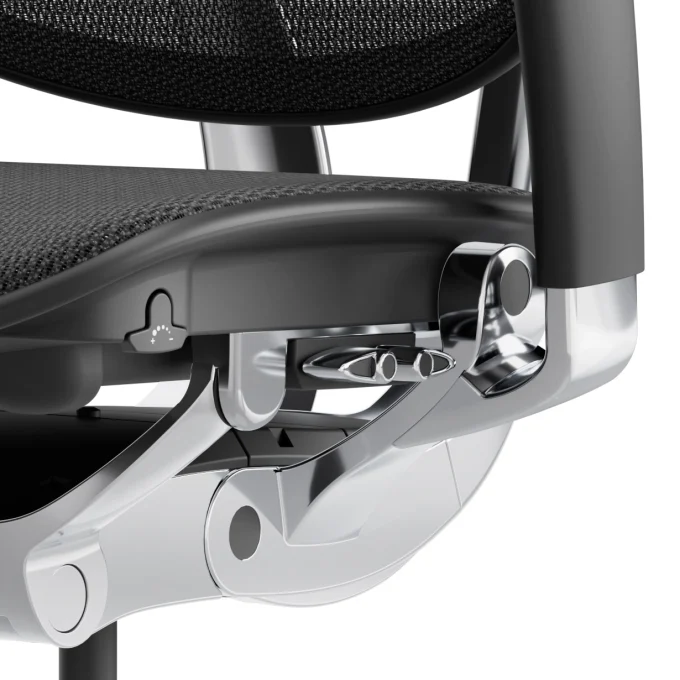
If you’re at your desk for extended stretches, an ergonomic chair for long sitting needs more than good static posture support it needs to accommodate movement throughout the day. Synchro-tilt mechanisms that let the seat and backrest move together, combined with adjustable tension, allow you to shift position naturally without losing support, which matters more the longer you’re seated.
10. Build Quality and Long-Term Support
A posture chair is only as good as its long-term consistency. Foam that compresses unevenly, a mesh that loses tension, or a gas lift that sags will all quietly undo the posture benefits a chair offered on day one. Look for a substantial warranty (5–10 years) on the frame and mechanism as a signal the chair is built to hold its adjustments over years of daily use, not just months.
Which Ergohuman Range Suits Your Posture Needs
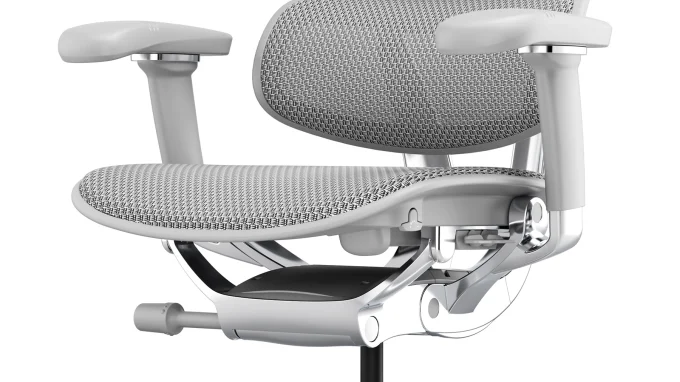
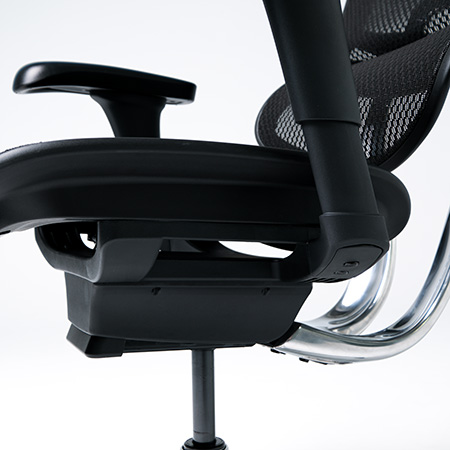
Every Ergohuman chair is engineered around this full posture system rather than a single feature, with adjustable lumbar pressure, seat slide, synchro-tilt, forward tilt, and multi-dimensional armrests included as standard.
If you want the latest chassis design with 5D armrests, seat tension control, and a recline limiter across the Elite and Luxury ranges, our Ergohuman 2 Mark II New Range shows the full lineup of updated posture-focused features. For an executive-level chair with additional adjustability including a cast aluminum frame, 5D armrests with forearm support, and independently adjustable backrest and headrest height the Ergohuman 2 Luxury SE is built specifically for people who sit at a desk full-time and need every part of the posture system to work together.
If you’re comparing models across the range, both the Luxury SE and the wider Mark II New Range share the same core posture-support mechanism, so the decision often comes down to material (mesh vs leather) and finish rather than support.
A Quick Posture Checklist
Are your feet flat on the floor or supported by a footrest?
Is your seat depth set so there’s a finger-width gap behind your knees?
Does your lumbar support sit precisely at your lower back’s natural curve?
Is your backrest height covering your full torso?
Can you lock your recline at a comfortable working angle?
Do your armrests let your elbows sit at 90 degrees?
Is your monitor at eye level, roughly an arm’s length away?
Does the chair’s tension adjustment match your body weight?
Is the chair backed by a warranty long enough to guarantee it holds these adjustments over time?
Final Thoughts
Finding the right posture chair NZ desks actually need isn’t about a single magic feature it’s about a chair that lets seat height, seat depth, lumbar support, backrest angle, recline, and armrests all work together correctly. Once those pieces are aligned, the rest of your setup, from footrest to monitor height, can support the posture your chair has already set up for you.
If you’d like help matching a chair to your body and your workspace, get in touch with our NZ team we’re happy to talk through the right setup for you. You can also browse the full range at ergohuman.co.nz.




 ErgoHuman Staff3 September 20265 Mins read
 ErgoHuman Staff3 September 20265 Mins read