Most ergonomic office chairs list a long spec sheet of adjustments seat height, lumbar, recline, tilt, armrests, headrest but very few explain what each one actually does, or who really needs it. If you’re comparing chairs and trying to work out which ergonomic office chair features are worth prioritizing, this guide breaks each adjustment down in plain terms, so you can buy based on how you actually work rather than how long the spec list looks.
This isn’t a general “best chair” roundup. It’s a practical explanation of what each adjustment on a fully adjustable ergonomic office chair is for, and which ones matter most depending on your body, your desk setup, and how many hours you spend in the chair.
Why “Fully Adjustable” Doesn’t Mean “Fully Necessary”
Chair listings often use “fully adjustable” as a selling point without explaining which adjustments are doing the actual ergonomic work. In reality, some adjustments matter for almost everyone seat height and lumbar support, for example while others matter more for specific body types, desk heights, or working styles, like forward tilt for designers or tension control for lighter and heavier users.
Understanding this distinction is what separates buying an adjustable office chair that genuinely fits you from buying one that simply has more knobs and levers than it needs. Below is a quick overview before we go through each adjustment in detail.
Adjustment
What It Affects
Who Benefits Most
Seat height
Leg and foot position
Everyone
Seat depth
Thigh support
Taller users
Lumbar adjustment
Lower-back support
Long sitting sessions
Armrest adjustment
Shoulder and arm position
Desk and keyboard workers
Recline
Movement and posture
Long work sessions
Forward tilt
Forward-working posture
Designers, writers, drafting work
Headrest
Neck and head support
Reclining users
Tension control
Recline resistance
Different body weights
Let’s go through each of these in more depth, and why they matter for ergonomic chair support over a full working day.
Seat Height Adjustment
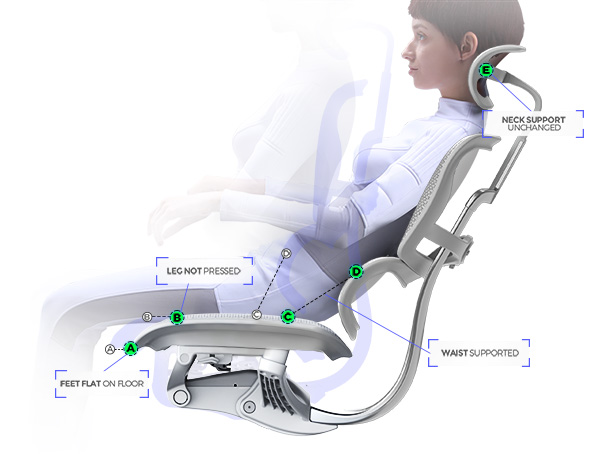
Seat height is the most basic adjustment, but also the one most people get wrong. The goal is simple: your feet should sit flat on the floor, with your knees roughly level with your hips, and your forearms level with your desk surface once seated.
If the seat is too high, pressure builds under your thighs and circulation to your lower legs is restricted. If it’s too low, you end up looking up at your monitor and straining your neck. Because desk heights vary so much between home offices and traditional office setups, office chair height adjustment is genuinely relevant to almost every buyer, not just tall or short users.
Seat Depth Adjustment
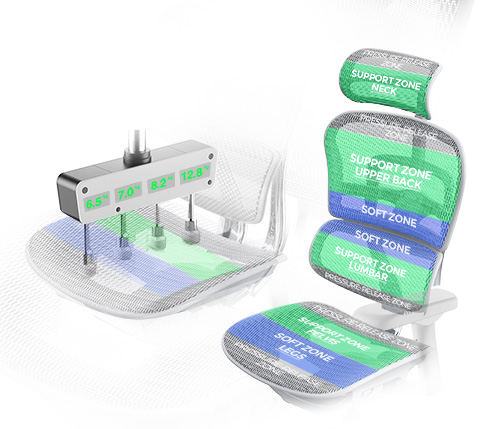
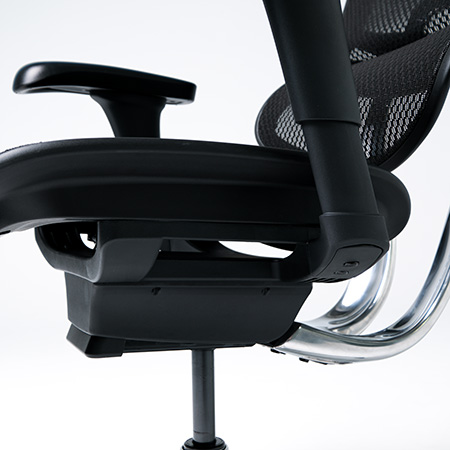
Seat depth determines how much of your thigh is supported by the seat pan. If the seat is too deep, the front edge presses into the back of your knees, cutting off circulation over a long sitting session. If it’s too shallow, your thighs aren’t properly supported and pressure concentrates under you instead of being distributed.
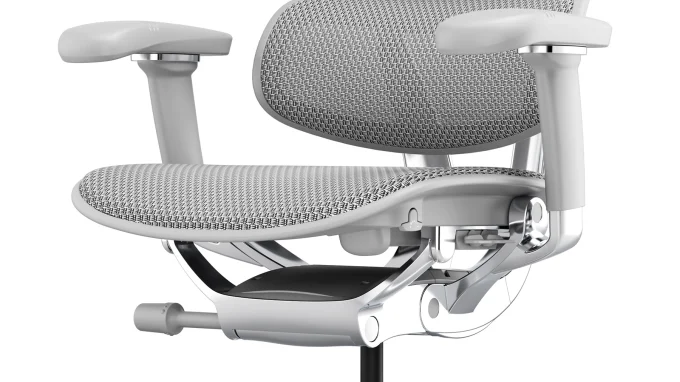
This adjustment matters most for taller users, or anyone whose leg length doesn’t match a “standard” seat pan size. A chair with adjustable seat depth lets you slide the seat pan forward or back so the front edge sits just behind your knees, regardless of your height.
Lumbar Support Adjustment
An ergonomic chair with lumbar support is one of the most searched-for features for good reason it directly affects lower back comfort, which is the single most common complaint from people who sit for long hours. Good lumbar adjustment lets you move the support up, down, and sometimes in depth, so it sits precisely in the curve of your lower spine rather than at a fixed, average height.
Fixed lumbar pads that don’t move with the user are one of the biggest reasons people still experience back pain even in a chair labelled “ergonomic.” If you sit for extended sessions 6, 8, or more hours a day adjustable lumbar support isn’t optional, it’s foundational.
Armrest Adjustment
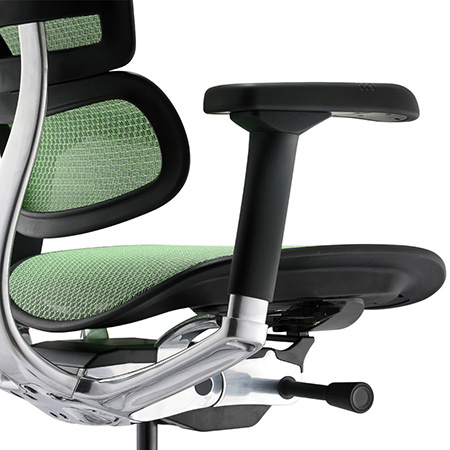
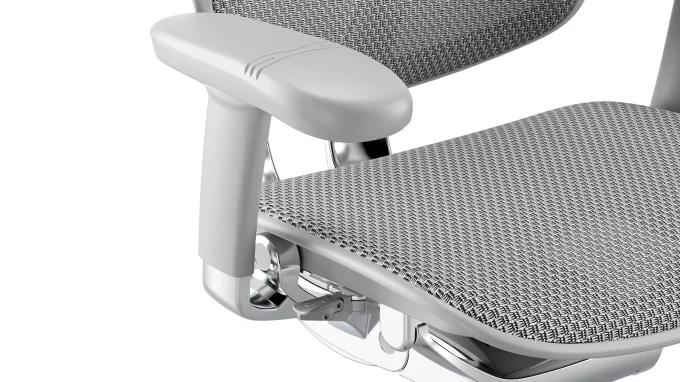
Armrests affect far more than just your arms. Poorly positioned armrests force your shoulders up or out, which creates tension that travels into your neck over the course of a day. A good ergonomic armrest system adjusts in height, width, depth, and often pivot angle, so your arms can rest naturally while typing, using a mouse, or on a call.
This adjustment matters most for anyone doing repetitive desk work typing, data entry, design work where the arms stay in a fairly fixed position for long stretches. Fixed, non-adjustable armrests are one of the most common reasons people report shoulder and wrist discomfort despite an otherwise good chair.
Recline Adjustment
Recline isn’t just about leaning back to relax it’s about allowing movement throughout the day rather than locking your spine into one static position. An ergonomic chair recline mechanism, especially a synchro-tilt design, moves the backrest and seat together at a coordinated ratio, keeping your feet grounded and your posture supported as you shift position.
For long work sessions, the ability to recline and lock the chair at different angles upright for focused typing, slightly reclined for reading or calls reduces the static pressure that builds up when you’re stuck in one position for hours at a time.
Forward Tilt Adjustment
Forward tilt is less common but highly useful for specific working styles. It tilts the seat pan slightly forward, opening the hip angle and encouraging a more upright, forward-leaning posture. This is particularly useful for designers, writers, drafters, or anyone working close to their desk surface for detailed or precision tasks.
Ergonomic chair forward tilt isn’t something everyone needs daily, but for the working styles it suits, it can noticeably reduce the lower back strain that comes from constantly leaning forward without seat support.
Headrest Adjustment
An office chair with headrest support is most valuable for anyone who reclines during parts of their day for calls, thinking time, or short breaks between focused work. A height- and angle-adjustable headrest supports the neck in a reclined position rather than leaving it unsupported, which is where a lot of neck strain quietly builds up over a long day.
For purely upright, task-focused work, a headrest matters less. For anyone who shifts between upright work and reclined breaks throughout the day, it’s a meaningful addition.
Tension Control Adjustment
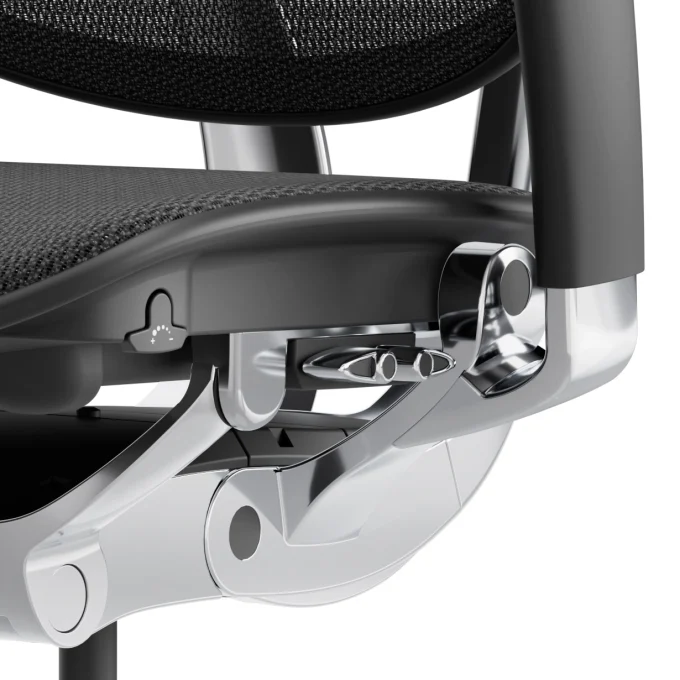
Tension control adjusts how much resistance the recline mechanism has, so the chair reclines smoothly rather than tipping back too easily or feeling stiff and hard to move. This adjustment matters most for people at either end of the body-weight range, where a chair calibrated for an “average” user either reclines too freely or barely moves at all.
Proper tension adjustment is what allows the same chair frame to feel balanced and natural whether it’s being used by a lighter or heavier person which is especially relevant in shared or multi-user office setups.
Matching Adjustments to How You Actually Work
Not every adjustment carries equal weight for every person. A useful way to prioritise:
Full-time desk and keyboard work: prioritise lumbar support, armrest adjustment, and seat depth.
Long work sessions with mixed tasks (calls, reading, typing): prioritise recline, tension control, and headrest.
Shared offices or multiple users: prioritise tension control and a wide seat height/depth range.
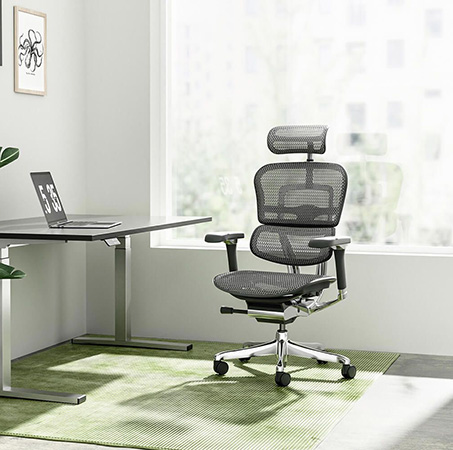
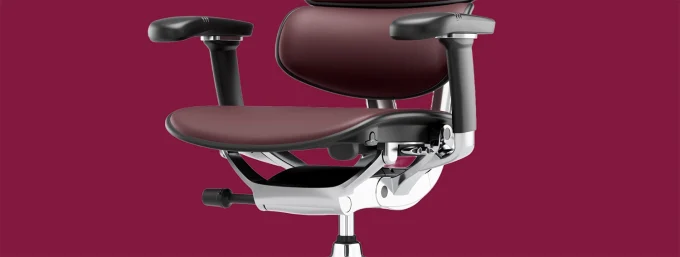
If you’re comparing chairs and want to see how these adjustments come together in a single, fully adjustable frame, the Ergohuman 2 Mark II New Range is built around exactly this set of features seat height, seat depth, lumbar, armrests, recline, forward tilt, headrest, and tension control are all independently adjustable rather than fixed or simplified.
Why Independent Adjustability Matters More Than a Long Spec List
The real value of a genuinely ergonomic chair isn’t the number of adjustments listed on the box it’s whether each adjustment works independently, so you can fine-tune the chair to your own body rather than accepting an average setting. A chair with eight adjustments that are properly independent will outperform a chair with twelve adjustments that are vague or hard to fine-tune in practice.
This is the core idea behind the Ergohuman 2 Mark II New Range: rather than a fixed “ergonomic shape,” the chair is designed to be adjusted around you your height, your desk setup, and your working style, which is what makes it suited to long, full-time working days rather than short-term comfort alone.
Setting Up Your Chair Correctly After Assembly
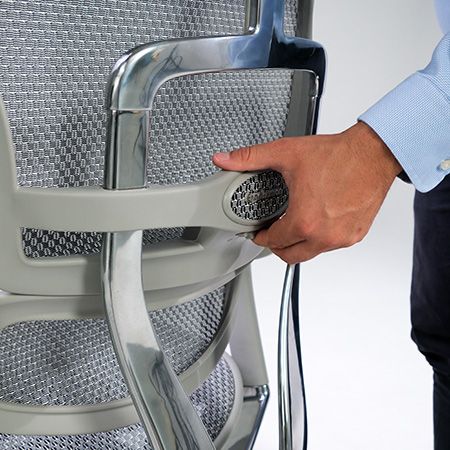
Even the most adjustable chair won’t perform properly if it’s assembled or set up incorrectly. lose fittings, an incorrectly attached gas lift, or a backrest that isn’t seated properly can all affect how the adjustments function. If you’ve recently purchased a chair, it’s worth following a proper setup process from the start you can find step-by-step guidance on the chair assembly instructions to make sure every adjustment is working as intended before you fine-tune it to your body.
Once assembled correctly, take the time to adjust each feature individually rather than leaving the chair on factory settings seat height first, then depth, then lumbar, then armrests, then recline and tension. Skipping this step is one of the most common reasons people feel a new chair “isn’t as comfortable as expected,” when the real issue is that it was never properly adjusted in the first place.
Which Adjustments Should You Prioritise If You Can’t Have Them All?
If budget or chair selection means you can’t get every adjustment on this list, prioritise in this order for most full-time desk workers:
Adjustable lumbar support directly affects long-term back comfort
Seat height and depth affects circulation and posture fundamentals
Armrest adjustment reduces shoulder and wrist strain
Recline with tension control supports movement across a long day
Headrest and forward tilt useful additions, most valuable for specific working styles
This order reflects which adjustments affect the largest number of people, versus which ones are more situational depending on your role and working posture.
Final Thoughts
Not every adjustment on an ergonomic chair carries the same weight some, like lumbar support and seat height, matter for almost everyone, while others, like forward tilt or headrest support, matter more depending on your specific working style. Understanding what each adjustment actually does lets you evaluate a fully adjustable ergonomic office chair based on real function rather than spec-sheet length alone.
If you’d like help working out which configuration suits your desk setup, working hours, or body type, you can get in touch with the Ergohuman NZ team directly for guidance before choosing a chair.
For the full lineup built around these adjustable features, visit Ergohuman NZ.




 ErgoHuman Staff1 September 20267 Mins read
 ErgoHuman Staff1 September 20267 Mins read